Free Invisible Character Detector — Find Hidden Unicode Instantly
Find & Remove Hidden Characters With The
#1 Invisible Character Detector
Paste your text and instantly see every invisible Unicode character hiding in it. Zero-width spaces, non-breaking spaces, ChatGPT watermarks, control characters — all exposed, all removable in one click.
Invisible chars
0
Breakdown
No invisible characters detected.
How the Invisible Character Detector Works — Paste, Scan, Clean
Invisible characters are Unicode symbols that exist in your text but don't show up visually. They take up no width, render as nothing on screen, and pass through most text editors without a trace. You can't see them. You can't select them. But they're there — and they cause real problems.
Our invisible character detector finds them all:
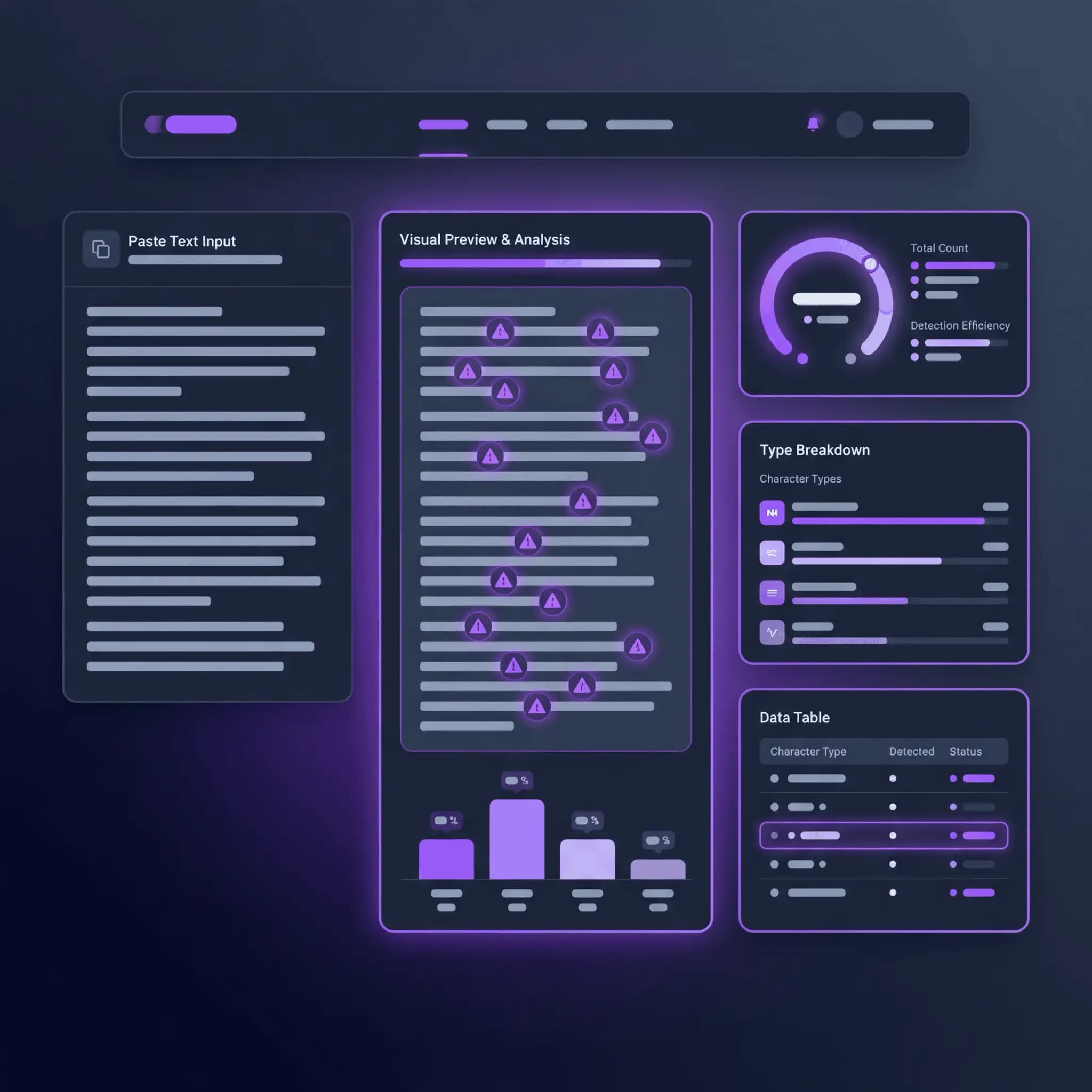
Three steps. No configuration. Paste in, scan, copy clean. The whole thing takes seconds.
Where Invisible Characters Come From — And Why They're a Problem
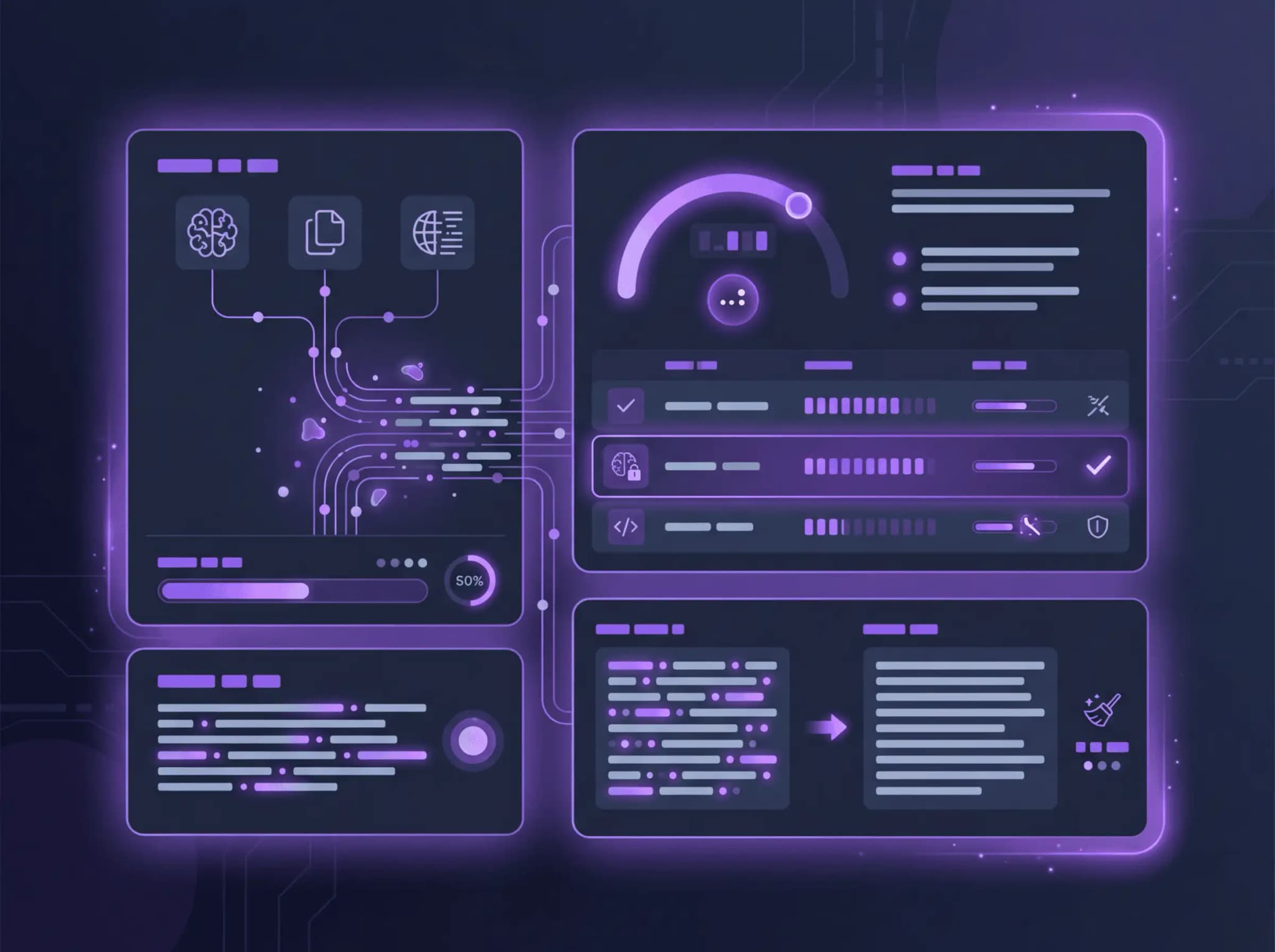
Hidden characters don't appear out of nowhere. They come from specific sources, and each one creates different headaches.
What This Detector Catches — 30+ Types of Hidden Characters
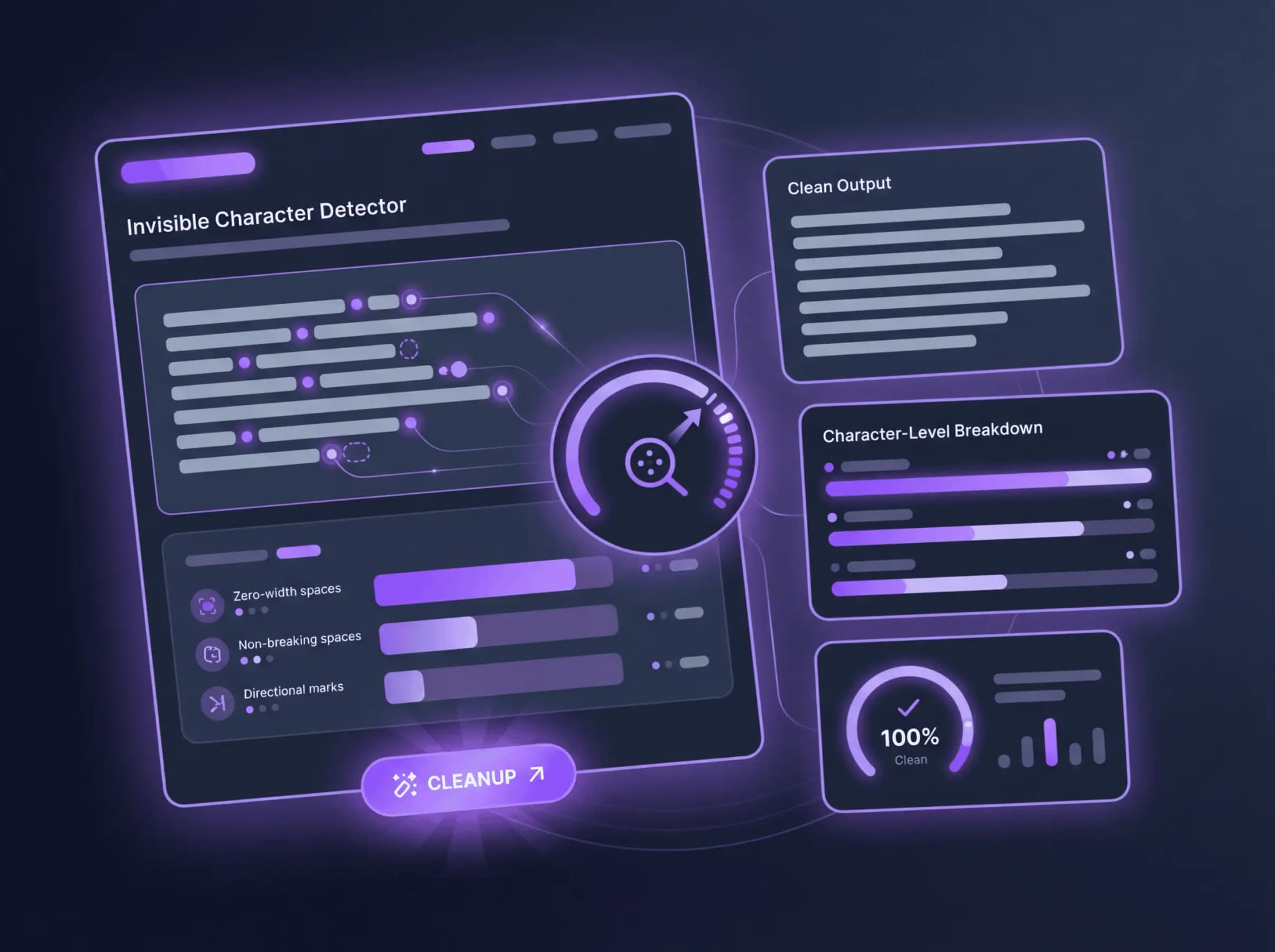
Most "invisible character" tools check for two or three character types. Ours scans for over 30 categories of hidden Unicode characters. Here's what it finds:
Who Uses the Invisible Character Detector — And What They're Finding
This tool gets daily use from people who've been bitten by invisible characters before — and from people who want to catch them before they cause trouble.

See What's Really There.
Stop Publishing Text with Characters You Can't See
You can't find what you can't see. That's the whole problem with invisible characters — your text looks fine, your editor shows nothing wrong, and the issues only appear downstream. A broken build. A weird display glitch. An AI watermark someone else detects.
The invisible character detector makes hidden characters visible. Paste your text, see every hidden character highlighted with its exact name and code point, and copy a clean version with one click.
It's free. No signup, no character limits. Paste, scan, clean. That's the entire workflow.
Frequently Asked Questions
What Are Invisible Characters?
Invisible characters are Unicode symbols that exist in text data but produce no visible output on screen. They include zero-width spaces (U+200B), non-breaking spaces (U+00A0), soft hyphens (U+00AD), directional marks, and various control characters. They serve legitimate purposes — word breaking in Asian languages, text direction in RTL scripts, non-breaking spacing — but they also show up as unwanted artifacts from copy-paste, AI tools, and document formatting.
Does ChatGPT Put Hidden Characters in Its Output?
Yes. OpenAI's newer models (GPT-o3, o4-mini) embed hidden Unicode characters in generated text, primarily Narrow No-Break Spaces (U+202F). Some people call these "AI watermarks" though OpenAI describes them as a "quirk of large-scale reinforcement learning" rather than intentional watermarking. These characters are easy to detect and remove with our tool.
How Many Types of Invisible Characters Does This Tool Detect?
The detector scans for over 30 types of hidden Unicode characters including zero-width spaces, zero-width joiners, non-breaking spaces, narrow no-break spaces, directional marks (LTR/RTL), soft hyphens, word joiners, BOM characters, various Unicode space characters (en space, em space, thin space, hair space), line/paragraph separators, and invisible math operators.
Can Invisible Characters Break My Code?
Yes — and they're one of the hardest bugs to find. A zero-width space inside a variable name, function call, or configuration value looks correct in your editor but causes syntax errors, failed comparisons, or unexpected behavior at runtime. The character is literally invisible, so the code appears fine. Pasting suspicious strings into the detector instantly reveals hidden characters that no amount of visual inspection would catch.
Where Do Invisible Characters Come From?
Common sources include: AI models like ChatGPT (which embed hidden Unicode in output), copy-paste from websites and rich text editors, PDF text extraction, Word and Google Docs formatting, multilingual content with directional marks, and intentional text watermarking. Any text that's been through multiple tools or formats is likely to carry some invisible characters.
What Does the Preview Panel Show?
The preview panel displays your text with every invisible character replaced by a visible ⚠ marker. You can see the exact position of each hidden character within your text. The stats cards above show the total count and a breakdown by character type (e.g., "Zero-width space: 3, Non-breaking space: 5"). This tells you exactly what's hiding in your text and where.
What Does 'Copy Cleaned' Do?
"Copy cleaned" copies your text to the clipboard with all invisible characters removed. It strips every hidden Unicode character the detector found and gives you clean text — no markers, no hidden junk. You can paste it directly into your editor, CMS, or code file.
Is My Text Private?
Your text is sent to our server for scanning but isn't stored permanently. We don't save your content, share it with third parties, or use it for any other purpose. Once the scan results are returned, your input is discarded.
Can This Detect AI Watermarks?
Yes. The tool detects the Narrow No-Break Space (U+202F) and other hidden Unicode characters that AI models like ChatGPT embed in their output. If your AI-generated text contains these markers, the detector will find them, show you where they are, and let you remove them with one click.
Does This Work with Code, HTML, and JSON?
Yes. The detector works with any text — code, HTML, JSON, XML, CSV, Markdown, or plain text. It's especially useful for developers because invisible characters in code cause bugs that are impossible to spot visually. Paste your code snippet, find the hidden character, and copy the clean version.