




AI Image Detection Made Simple — Fast, Secure, and Accurate
Verify Any Image with the Best Free AI Image Detector
Upload any image and instantly find out whether it was captured by a camera or created by an AI model. Our free AI image detector is unlimited and trusted for accurate image verification.
Drag & Drop Image Here (Max 10MB)
or click to select a file
Try these examples
See How the AI Image Detector Works for You
Upload any image and our AI image detector scans it for visual clues that reveal whether it's real or artificially generated. It analyzes subtle elements like lighting, edge sharpness, and pixel patterns that the human eye often misses.
There's nothing to install or sign up for. Just drag, drop, and get results instantly. This free AI image checker is designed to support anyone — whether you're fact-checking digital content, reviewing submissions, or screening images before publishing online.
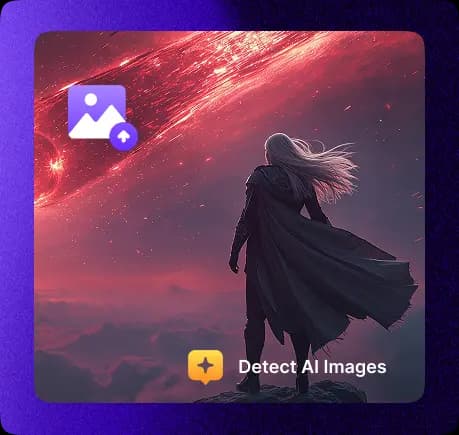
Detect AI Generated Images by Spotting Hidden Visual Evidence
Not every fake image looks fake. Our AI image checker analyzes fine details that most tools overlook — lighting inconsistencies, unrealistic textures, pixel smoothness, and other digital markers often found in AI generated visuals.
This makes it easy to detect whether an image was captured by a camera or created artificially. From distorted reflections to unusual edge sharpness, the AI photo detector catches evidence that helps you make smarter decisions before resharing, publishing, or trusting an image.
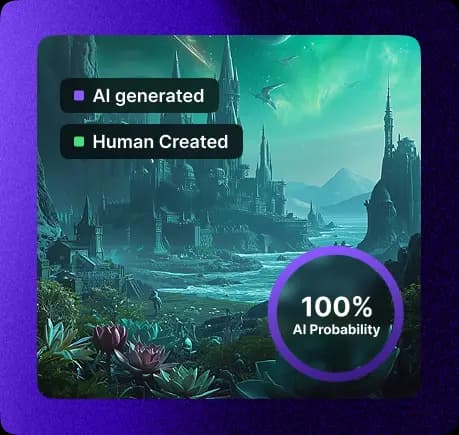
Run Secure AI Image Detection with Instant Results
Every image scan runs directly in your browser. No uploads, no tracking, no file storage — just private client-side processing that keeps your content safe. Results appear instantly and disappear when you leave the page.
Whether you're scanning a single photo or reviewing multiple uploads, the process stays consistent: fast, lightweight, and secure. No waiting rooms, no account creation, and no worrying about where your data goes. It's an AI image detector you can use with confidence — anytime, anywhere.
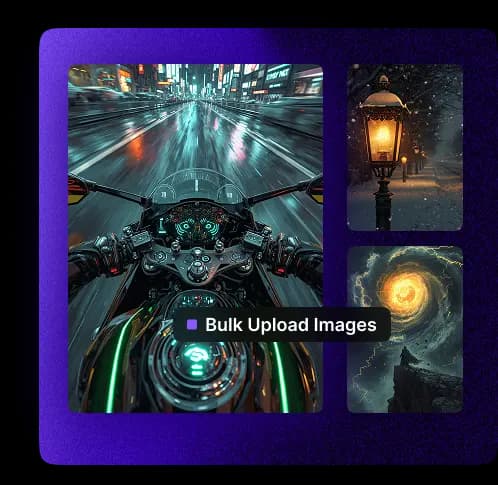
Use the AI Image Detector Online on Any Device
You don't need special hardware or apps to detect AI generated images. This free AI image detector online works in any modern browser — desktop, tablet, or mobile — and gives you the same fast results across platforms.
Whether you're reviewing content on the go or working from a larger screen, everything stays optimized for speed, simplicity, and clarity. Built for your workflow, wherever that takes you.
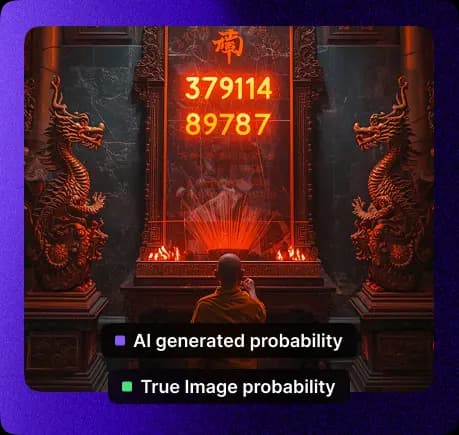
Trusted by Journalists, Educators, and Content Creators
When accuracy matters, the best AI image detector delivers results. Professionals who need to verify visuals quickly and confidently rely on this tool — from journalists fact-checking sources to teams protecting their brand from manipulated images and deepfake detection.
With no cost, no limits, and no delays, it's a smart fit for anyone who handles digital media, whether casually or professionally. One image or a hundred — the AI image detection process stays consistent and reliable.
What Is an AI Image Detector?
An AI image detector is a free browser-based tool designed to check whether an image is real or generated by AI image generation models. It detects subtle signs of artificial generation using advanced visual analysis techniques — including pixel behavior, lighting depth, edge sharpness, and compression patterns.
No account, extension, or subscription needed. Just upload any image and get instant results. Whether you're fact-checking, reviewing content, or verifying media before publishing — this AI generated image detector helps you make smarter, faster decisions. It works across all modern devices and delivers real-time results.
What Does It Mean to Detect AI Generated Images?
AI generated images are often created by tools like Midjourney, Stable Diffusion, and DALL·E. These tools produce highly realistic visuals — but beneath the surface, they often contain clues that they weren't captured by a camera. These include overly smooth textures, distorted reflections, unnatural edge patterns, and missing fine grain detail.
Our AI image detector analyzes these elements to help determine whether an image is natural or artificial. This supports ethical media use, transparency, and accuracy — especially in journalism, education, and business communications. Using an AI image checker helps verify content authenticity.
How to Check If an Image Is AI Generated
It only takes a few seconds to run a full check with this free AI image detector. Here's how:
Step 1: Open the AI image detector online in your browser — no sign-up or download needed
Step 2: Upload any image from your device
Step 3: The tool scans pixel data, lighting consistency, and hidden structure
Step 4: A clear result shows whether the image is likely real or AI generated
Step 5: No data is stored or shared — everything runs locally in your browser
Step 6: Upload again if you want to re-scan or test other images — unlimited and always free
This AI image checker gives you an easy, reliable way to double-check visuals before sharing, publishing, or trusting them online.
Frequently Asked Questions About AI Image Detection
How does the AI image detector work?
The AI image detector analyzes key visual patterns in any uploaded image, such as lighting behavior, pixel alignment, texture consistency, and metadata structure. These clues help determine whether the image was likely captured by a camera or created using digital tools. Everything runs directly in your browser for real-time results.
Can this tool detect if an image is AI generated or just edited?
Yes. While primarily designed to flag AI generated visuals, it also catches irregular edits — such as modified backgrounds, cloned objects, or inconsistent shadows — that may indicate manipulation or blending of artificial and real elements. It works as both an AI image checker and a general image authenticity tool.
Do I need to sign up or create an account to use it?
No account is needed. This free AI image detector is fully open — no sign-ups, no limits, no logins. Just open the tool in your browser, upload your image, and get your result in seconds.
What image models does it support (e.g. Midjourney, DALL·E, etc.)?
The AI generated image detector can identify patterns from leading generation tools including Midjourney, DALL·E, Stable Diffusion, Firefly, SDXL, Flux, and more. It's regularly updated to keep pace with evolving visual generation techniques.
How accurate are the results?
This is one of the best AI image detectors available online, designed for high detection accuracy based on extensive testing against both real and synthetic images. While no tool is 100% perfect, the detector highlights key visual inconsistencies with strong confidence scoring, making it a reliable layer of AI image detection.
Is my uploaded image stored or tracked?
No. Your image is never uploaded to a server. All scans are handled locally within your browser session. Once the result is displayed, no data is saved, shared, or stored. Your content stays private and secure with this AI photo detector.
Can I use this AI image detector on mobile or tablet?
Yes. The AI image detector online is fully responsive and works on mobile phones, tablets, and desktops without any installation. Whether you're on the go or reviewing content from your workstation, the experience stays smooth and fast.
Does this tool detect deepfakes or face swaps?
While not specifically built for deepfake detection, it can flag signs of unnatural blending, lighting mismatches, or other manipulations often seen in AI generated or edited face images. It's best used as a first layer of image integrity checking alongside dedicated deepfake detection tools.